Settings
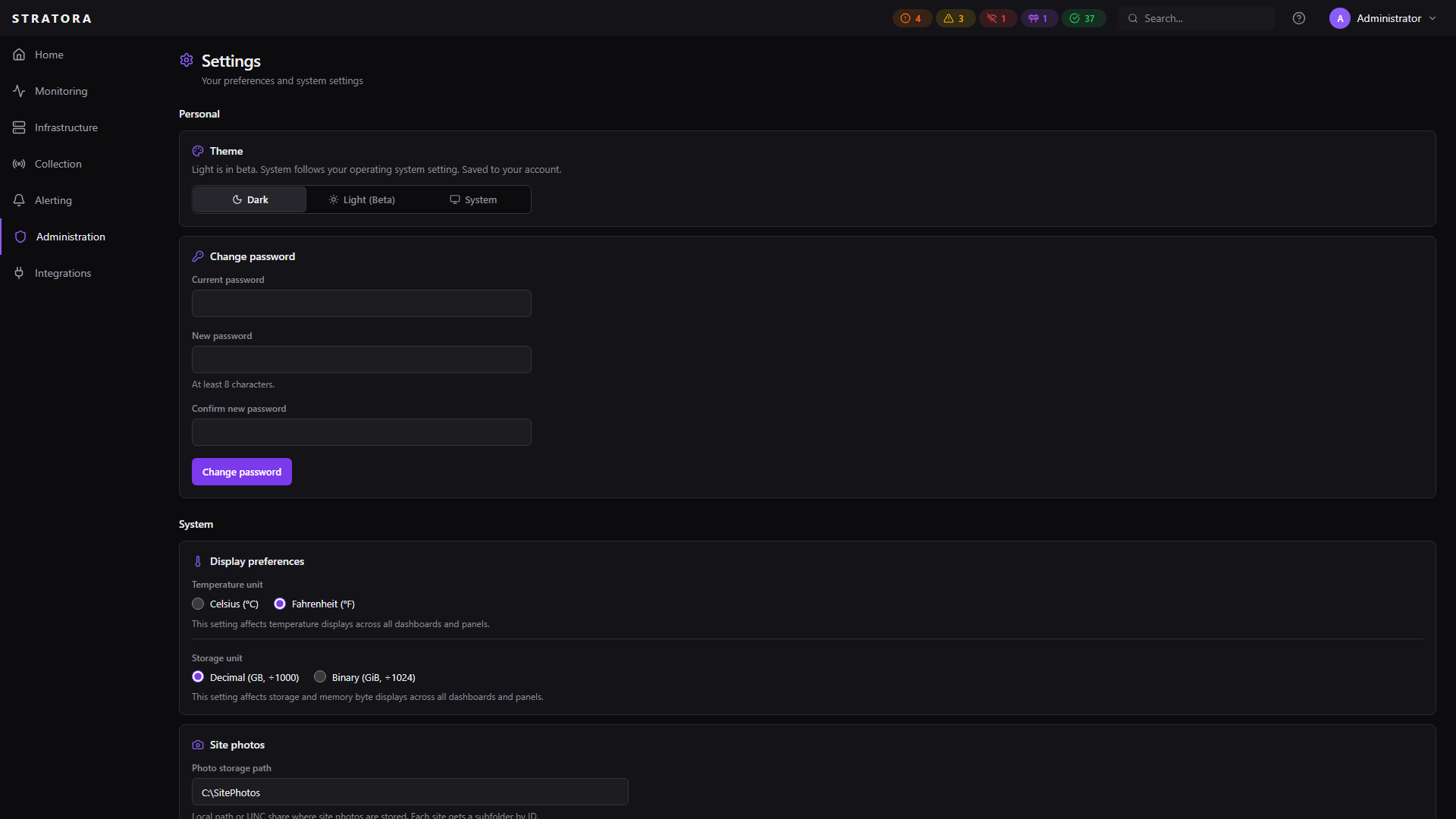
The Settings page provides global configuration options that affect the Stratora platform.
Navigate to Administration → Settings to view and modify these options.
Display Preferences
Temperature Unit
Controls how temperature values are displayed across all dashboards, device detail pages, and monitoring panels.
| Option | Description |
|---|---|
| Celsius (°C) | Default — temperatures shown in Celsius |
| Fahrenheit (°F) | Temperatures converted and shown in Fahrenheit |
This is a global setting that applies to all users. Changes take effect immediately across the platform.
Site Photos Storage
Controls where uploaded site photos are stored on the Server and how large each upload can be.
| Option | Description |
|---|---|
| Photo Storage Path | Server-side directory where site photo files and generated thumbnails are written |
| Max Photo Size (MB) | Upper bound on the size of a single uploaded photo |
Related Settings Pages
Additional configuration is available on dedicated pages within the Administration section:
| Page | What It Configures |
|---|---|
| Identity Providers | LDAP / Active Directory and OIDC single sign-on |
| SSL / TLS Certificates | HTTPS certificates, Let's Encrypt automation, manual upload |
| Data Retention | Metric data retention period and compliance presets |
| License | Edition, device limits, and license upload |
| Users | User accounts, roles, and access control |
| Audit Logs | Audit trail of all platform actions |